When a question comes up, the last thing you want is to search through emails or explain something you have already described. That is why this update starts with help: finding it, following a conversation and returning to an earlier solution. Alongside that work, we are adding cash connectors and refining other projects before taking their next step.
Ask for help without losing the thread
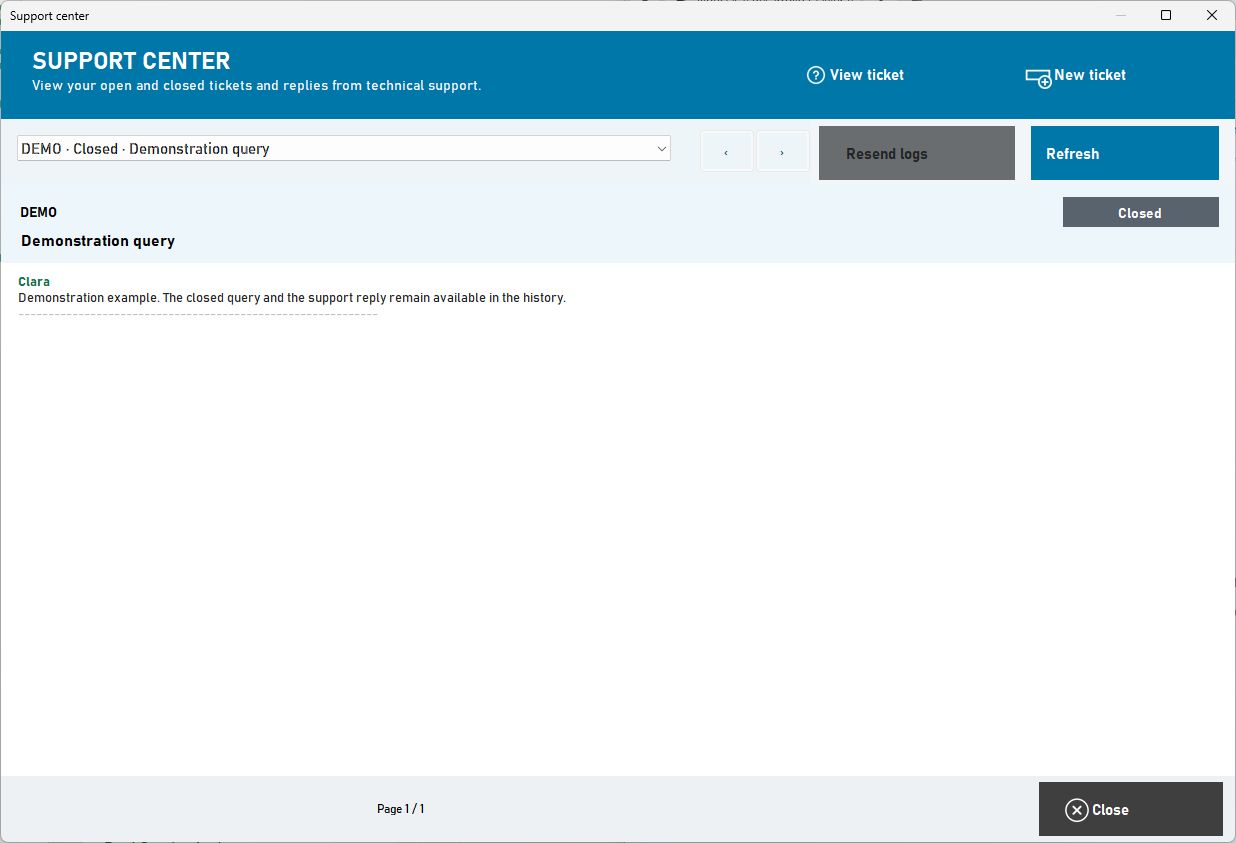
The ImaCash Support Centre keeps both open and closed queries. You can return to a conversation, read the replies and retrieve its attachments from the application itself. Closing a case does not put its answer out of reach: it stays there for the next time you need it.
We have also worked on how replies appear. Notifications give more context about what support has written. When the team provides an authorised official update, you can access its download and installation process with the relevant checks. Installation still needs the appropriate authorisation; receiving a link does not mean the software updates itself.
These improvements are already included in the current stable ImaCash release. Ticket follow-up retains its maintenance and version requirements: the reference is the latest published stable release, without requiring a beta.
Usage questions and technical issues have their own paths
Help offers a choice between usage assistance and a new support ticket. Clara is there to guide you through using and configuring ImaCash. A technical ticket starts the support process, where you describe the problem and follow it in the same conversation. Usage assistance does not change the computer or open a case on its own.
On Help, we have put sign-in ahead of the guide, including on mobile, and added a subtitled visual walkthrough for opening and following a ticket. A submission uses the diagnostic information available; that information is not an automatic explanation of the cause. If ImaCash will not open, you can still use Help or contact your distributor.
Room to read, even on a phone
In the distributor portal, we have tackled a very practical need: reading the terms without wrestling with the screen. The document scrolls within its view, with printing and confirmation controls kept close by, even on a phone. The presentation changes; existing terms and consents remain in place.
More options for working with cash
Cashmatic and Julia are two other areas of recent work. The new Cashmatic connector includes payments, refunds, withdrawals by amount and inventory. Julia lets you prepare a combined setup with the CR50 banknote module and CPI's CCR coin unit.
The code for both is already included in the current stable ImaCash release. That does not make every model or installation a validated setup: supplier preparation and supervised checks on the actual machine are still needed. Refills, denomination exchanges and emptying operations are not enabled in Cashmatic.
TC and SCO: making each movement clear
Recent work on the TC and SCO variants centres on cash traceability. Cash additions and collections retain a clearer link to their operator and reports, while settings incorporate protection for device credentials. Those details help make sense of what happened when reviewing a day's work.
The published releases remain beta: TC 1.2.0.51 and SCO 3.6.0.107. Full validation with the actual checkout and device is still pending before they can be presented as stable.
ImaPlay: see the working day and work your way
In ImaPlay, the focus is on work that comes around every day. We have reorganised the reports so you can look at each part of the day, choose a period and take the results to Excel, PDF or paper. Venue tips and individual tips can be viewed separately, with a breakdown by staff member.
We have also enlarged the prize screens to make better use of the terminal. A venue configured for list mode goes straight to the list; reader mode opens card scanning. The journey follows the venue’s settings.
The server also prepares a full database backup after the scheduled closing time. Automatic backups are kept for fifteen days and have their own recovery section. These releases are already available in the stable Client 1.3.1.296 and Server 1.4.9.184 channels.
TodoSkins: refining the journey before opening it up
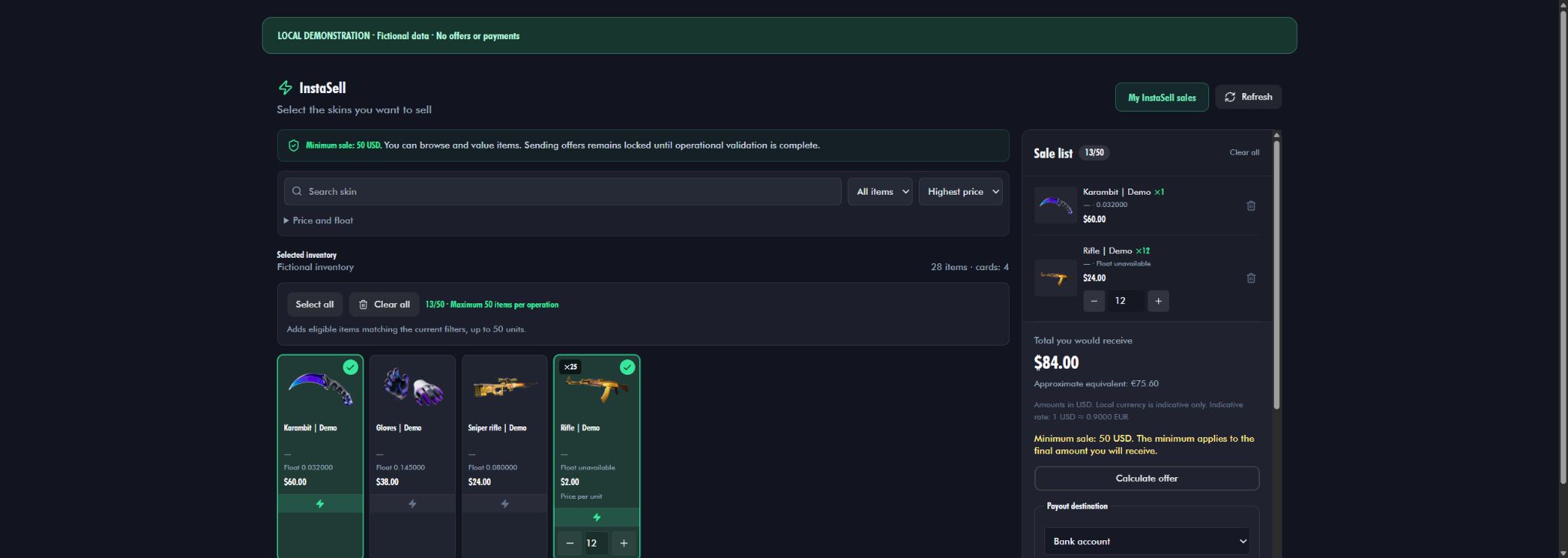
At TodoSkins, we are working on the InstaSell journey: viewing inventory, grouping identical items and preparing a selection in a cart with images and quantities. The history lets you return to a request and see how it is progressing, without having to reconstruct the journey from memory.
This work continues in a private pilot. Improvements have been deployed within that scope, but we are not announcing general availability or a real sale completed from start to finish. Before taking that step, the process still needs to be checked through, including the distinction between Steam acceptance, settlement and subsequent payment.