

CIMA InLane: setup in ImaCash
Installation requirements
- Ask the authorised distributor to enable the InLane REST API and configure a secret AppID for ImaCash access.
- The ImaCash PC and the InLane device must be on the same authorised network, with HTTPS access on the default port 443 and TLS 1.2 support. InLane ships with a self-signed certificate; the administrator must verify the device address and certificate and allow the network connection.
- This setup applies to CIMA InLane and currently uses EUR. Before installation, confirm the model, firmware and available functions with the authorised provider; do not assume that other CIMA models are compatible.
Confirm with the provider which emptying and transfer modes the device model, firmware and configuration support, including their destinations. Use only the modes enabled for your installation; where appropriate, use InLane’s own interface with assistance from the provider. This guide does not demonstrate physical validation of these operations.
Fields in ImaCash
- On the main screen, open Configuration. If prompted, sign in as a user with permission to configure ImaCash. Go to Configuration > Machine and select InLane.
- IP: enter the IP address or hostname provided by the administrator. The connection uses HTTPS on port 443. If the provider has configured a different port, append it in the same field using the host:port format.
- User (username): choose free text to identify this terminal and associate its operations with it. It is not a password or a validated account with its own permissions. Each POS connected to the same InLane at the same time must use a different username; never share one between two simultaneous POS terminals. The machine supports only one simultaneous cash operation; coordinate terminals to respect this limit.
- AppID (appId): enter the shared secret supplied by the administrator or provider and configured in the InLane web interface. This is the only value InLane validates at login; do not use the factory value in production. Enter it only in the ImaCash configuration and do not publish it or include it in screenshots.
- Currency is fixed to EUR. Confirm with the provider that EUR is the main currency in InLane and that payment amounts are expressed in that currency.
- Close with X and choose Save when Unsaved changes appears. If the profile or its details have changed, ImaCash tries to sign in to InLane over HTTPS. It may skip the check if the configuration matches the saved settings.
If saving fails, ask the administrator to check the address, network access and the AppID configured in InLane. After saving, reopen Machine and check the details in private. Signing in confirms access to the device. Before regular use, arrange a supervised check with the provider for the cash operations you intend to use.
Continue editing returns to the form. Exit without saving discards pending changes. Any stage already saved remains in place after closing.
ImaCash demonstration. The video uses the Spanish interface with captions. IP, User and AppID are blank. The controls are highlighted without signing in, connecting or saving.


Video and steps for setting up InLane
- Open Configuration from the main screen as an authorised user.
- In Machine, select InLane.
- Fill in IP, User and AppID with the private details for your installation.
- Confirm with the provider that the main currency in InLane is EUR.
- Close with X to see the options if any changes are pending.
- Save the changes, continue editing or exit without saving.
InLane catalogue references: confirm model and scope
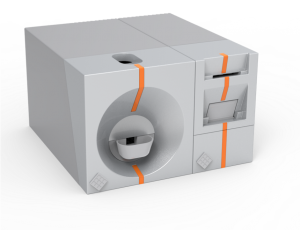
INLANE 300
INLANE 300 catalogue reference with a product photograph. The provider must confirm the banknote and coin configuration, firmware and interface before using ImaCash.
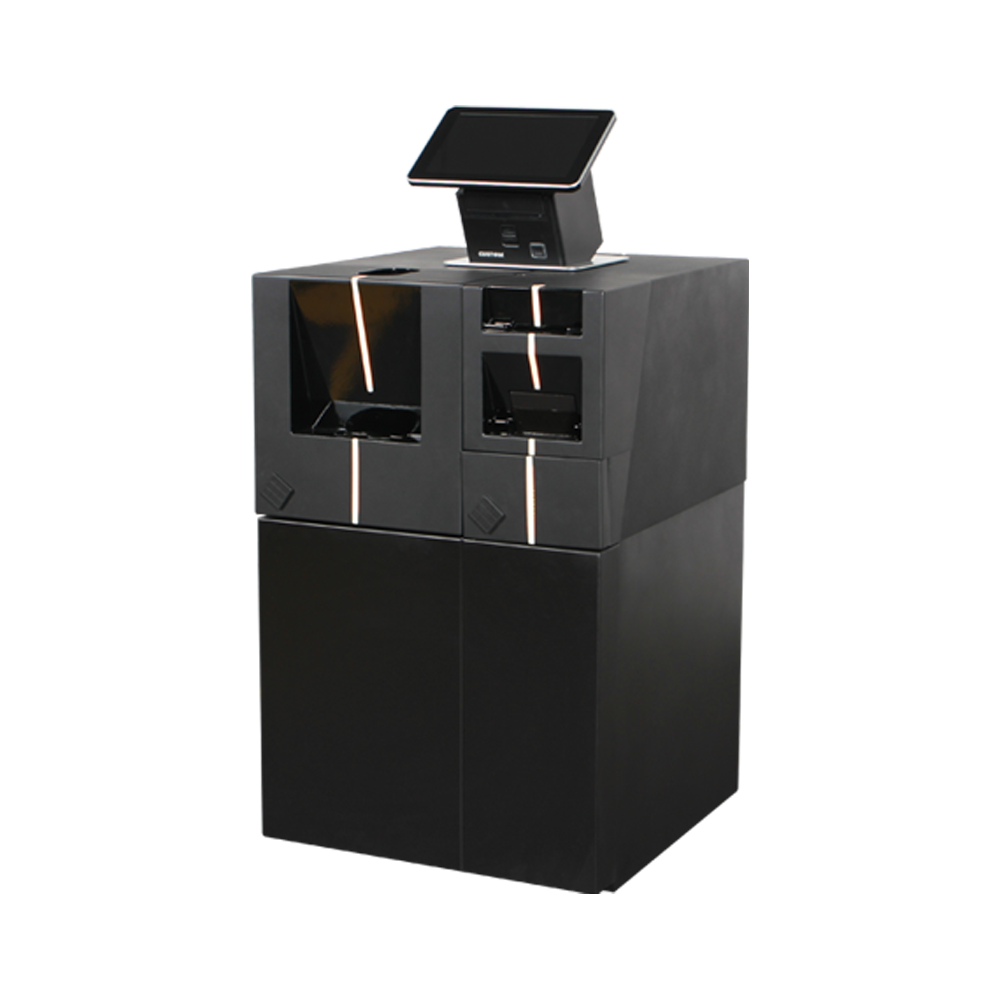
INLANE 300 DEPO
INLANE 300 DEPO catalogue reference. Its equipment and functions require specific confirmation; they cannot be inferred from INLANE 300 or the photograph.
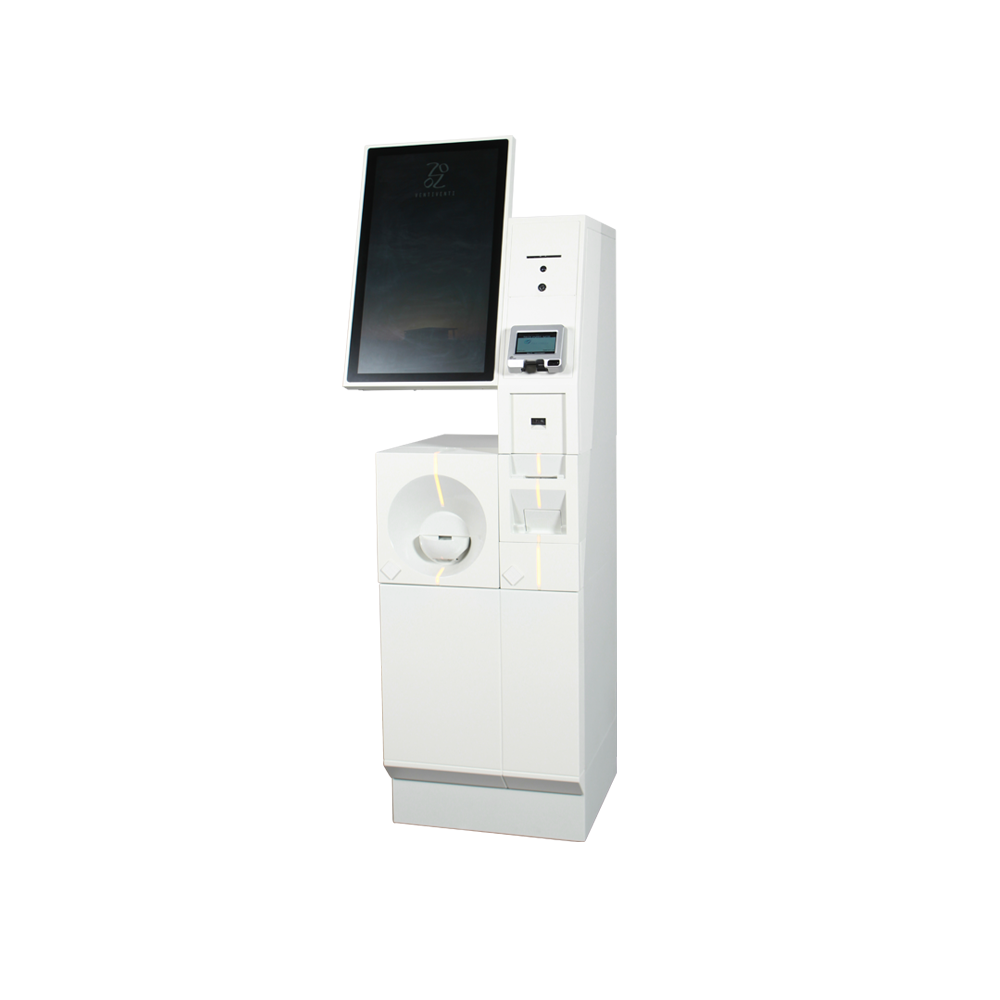
INLANE KIOSK
INLANE KIOSK catalogue reference. The self-service format and photograph do not demonstrate compatibility with every peripheral or physical validation with ImaCash.