

Tecnausa CashPay with ImaCash: setup
Before setup
- Ask the provider to confirm the CashPay device, firmware and HTTPS API enabled for the installation. The manufacturer’s technical sheet describes the product; it does not by itself demonstrate all functions through ImaCash.
- The ImaCash PC must reach the CashPay HTTPS service over the authorised private network. The administrator supplies the service address and port without exposing the device to the Internet.
- Confirm the device’s EUR profile, note and coin devices and enabled denominations. Capacities, options and functions may vary with the installed configuration.
A connection alone does not validate payments, refunds, inventory or physical emptying. Before commercial use, arrange supervised validation of the required operations with the provider. Cash authenticity is checked by the device’s validators.
Steps in ImaCash
- Open Settings and select CashPay in the machine list for the Tecnausa device. Configure it with an authorised user and no pending operations.
- In IP, enter the private address of the CashPay device or service confirmed by the administrator; enter the port separately.
- In Port, enter the numeric HTTPS API port confirmed by the provider for this installation. This guide does not specify a universal port.
- In Username and Password, enter the private account authorised for the device API. The provider confirms the required permissions; keep these values out of screenshots and public documentation.
- The CashPay selection in ImaCash fixes the currency to EUR. Confirm that the device uses the same profile; this selection does not demonstrate other currencies or a multi-currency configuration.
- Save and check the HTTPS connection. Coordinate checks of the functions you will use with the provider while no commercial operations are in progress.
View CashPay on Tecnausa’s official website
CashPay catalogue reference
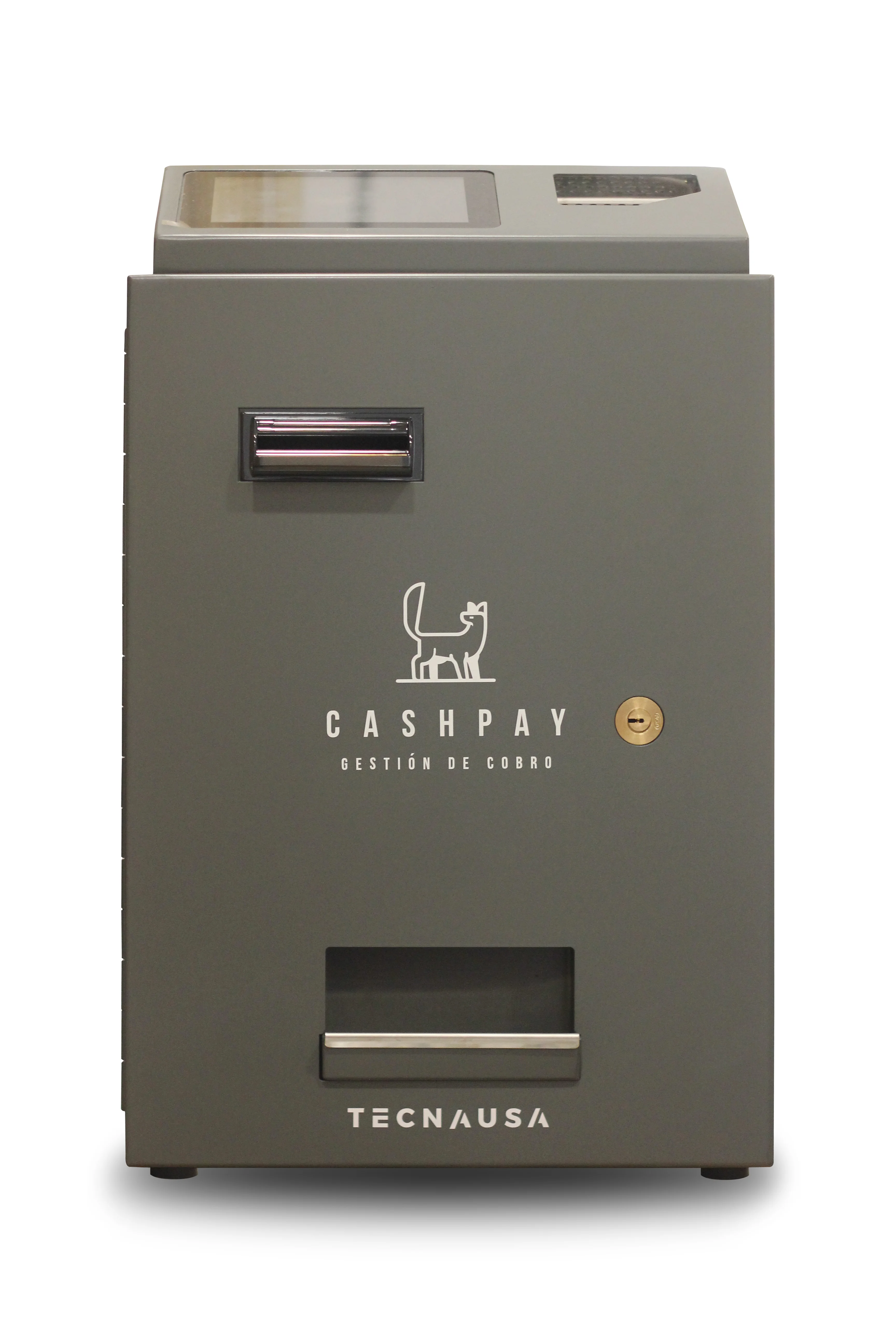
CashPay
CashPay is the Tecnausa reference retained in this catalogue. The photograph identifies the product; confirm firmware, API, EUR profile and specific options with the provider before configuring ImaCash.