

Sesami RC3000: Set up Sesami RC3000 in ImaCash
Before setup
- The supplier must prepare the RC3000 and enable its POS REST v3 API. Confirm the device version, installed modules and authorised operations; request the connection details for this installation.
- Connect the workstation and device through the authorised private network. Confirm access and device identity with the administrator before connecting. Use SSL as prepared for the installation and do not disable it to bypass a certificate error. Do not expose the service to the Internet.
- User identifies the API account and Password holds its private authentication secret, supplied by the administrator or supplier. These are device service credentials, separate from the Windows user and ImaCash operator. The account must have the required permissions.
This guide covers the Sesami RC3000 selection. Do not use the parameters for the SafePay selection or extend compatibility to other models because they share a brand. The page, photograph and a successful connection do not establish physical validation: confirm currencies, denominations, capacities and operations for each installation.
Steps in ImaCash
- Open Settings and select Sesami RC3000 in the machine list, using an authorised account with no operations in progress.
- In IP, enter only the private device address supplied by the administrator, without a protocol, port or API path.
- Check the SSL box with the supplier. ImaCash proposes it enabled for HTTPS; the device must be prepared for that access. Changing it updates the suggested port, so check the port afterwards.
- In Port, confirm the value for this installation. ImaCash suggests 4443 with SSL and 3000 without SSL; these are connector suggestions, not proof of the actual setup. If the supplier uses another port, enter the confirmed value.
- In User, enter the API account assigned to the workstation. Do not assume an account is valid simply because it appears as a suggested value in the form.
- In Password, enter the private authentication secret for that account, respecting letter case. Enter it only in ImaCash; do not include it in screenshots, links or public documents.
- Select the currency configured on the RC3000. ImaCash uses a general currency list; it does not establish which currencies or denominations this device supports.
- Save and check the connection and authentication with the supplier. Then validate payments, change, refunds and other intended operations under supervision with the actual user. If the device shows a pending operation, resolve it before continuing.
View the official Sesami RC3000 product page
RC3000 reference
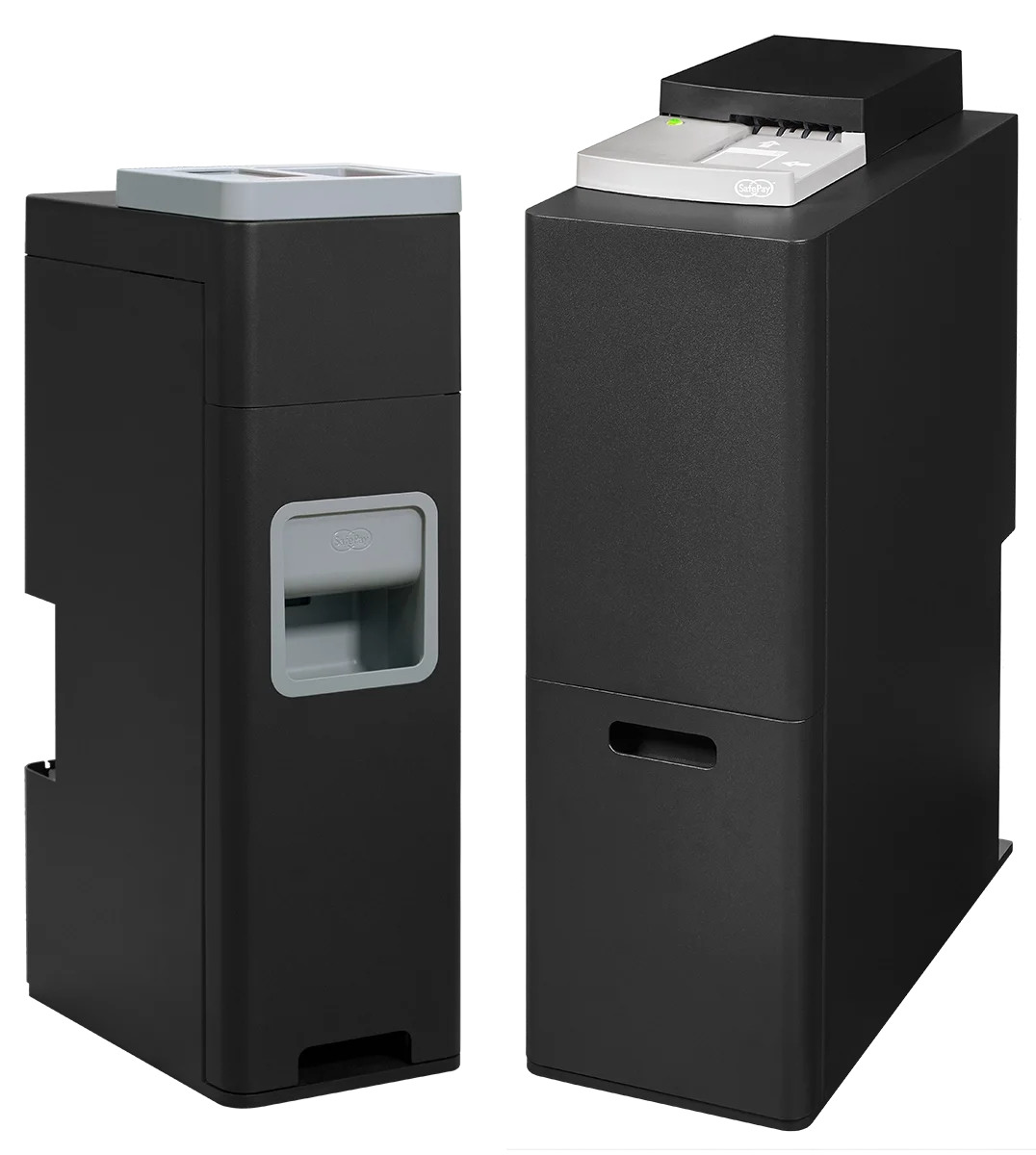
RC3000
RC3000 is Sesami’s point of sale cash recycler with banknote and coin modules. Confirm the version, modules and enabled interface with the supplier for this ImaCash installation.