

Prosegur: Set up Cash Today in ImaCash
Before setup
- Ask the provider to confirm the device, Prosegur integration service and operations enabled for this installation. The Cash Today commercial catalogue alone does not demonstrate compatibility with ImaCash.
- The ImaCash PC must reach the service over TCP on the authorised private network. The administrator supplies the service address and port; do not expose the device to the Internet.
- SDM100 and SDM500 appear in the official catalogue as banknote deposit machines. These references do not demonstrate recycling, change dispensing or all ImaCash operations.
Before commercial use, arrange supervised validation of the model, firmware, currency and required operations with the provider. A successful connection does not validate physical cash movements, collection services or bank crediting.
Steps in ImaCash
- From the main screen, open Configuration with an authorised account. Sign in if ImaCash asks you to. Open Machine and select Prosegur.
- In IP, enter the service’s private IPv4 address as confirmed by the administrator. Enter the address alone, without a protocol, path or port.
- In Port, enter the service’s TCP port for this installation. Check the suggested value before saving. Events sent back use a separate port.
- The service must be able to send events back to the ImaCash PC over TCP 5199. Ask the administrator to check this access only on the authorised private network; this event port is separate from the service port.
- Select EUR if the installation uses euros. Before using another currency, obtain specific validation of the device, service and operations: selector options do not demonstrate it.
- Close with X and choose Save if changes are pending. If IP or Port changes, ImaCash tries to open the TCP connection to the service and starts listening for events. It may skip the check if the details are unchanged. The profile only asks for IP and Port to connect.
After saving, reopen Machine and check the profile and currency. If the link fails or events are missing, ask your administrator to check the address, Port and return path before trying again. An open connection does not confirm event delivery or the result of a transaction.
Continue editing returns to the form. Exit without saving discards pending changes and keeps any stages already saved.
ImaCash demonstration. The video shows the Spanish interface with captions. Controls are highlighted without connecting, saving or operating the device.


Video and steps for setting up Prosegur
- Open Configuration from the main screen as an authorised user.
- Open Machine and select Prosegur.
- Enter the private IP and service Port supplied by the administrator.
- Under Currency, confirm the currency prepared for the device.
- Close with X to see the options when changes are pending.
- Save, continue editing or discard the pending changes.
Open the official Prosegur Cash Today catalogue
Cash Today catalogue deposit references
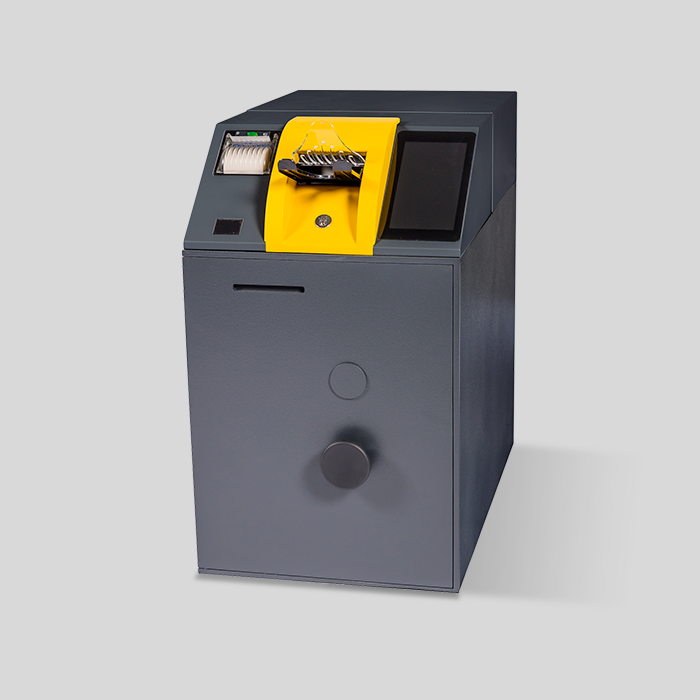
SDM100
SDM100: an automatic banknote deposit machine in the Prosegur Cash Today catalogue. Confirm the installation interface and scope with the provider; this reference does not demonstrate change dispensing through ImaCash.
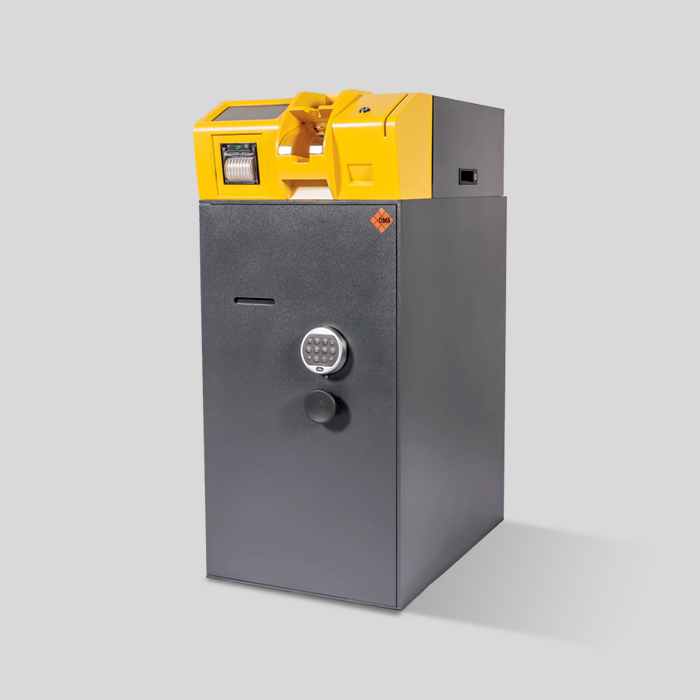
SDM500
SDM500: an automatic banknote deposit machine in the Prosegur Cash Today catalogue. Confirm the interface and available operations with the provider; it is not presented as a recycler or as physical validation of ImaCash.