

CASHPoint Pay: Set up CASHPoint Pay in ImaCash
Before setup
- The provider must prepare the device and its CASHPoint Pay interface and confirm the model, version and available operations. Obtain the connection details for this installation before opening Settings.
- Use the authorised private network and restrict service access. The connection uses HTTP unless another protocol is specified. HTTPS requires configuration by the provider and a valid certificate; this selection has no checkbox to enable it. Do not expose the service to the Internet.
- Username and Password are private credentials for the device service account, supplied by the administrator or provider. They are separate from the Windows user and ImaCash operator. The account must be authorised for the intended operations.
The page, photograph and a successful connection do not demonstrate physical validation. Confirm functions, capacities, denominations and limits for each installation, and validate the required operations under supervision before commercial use. Do not automatically extend this reference to CASHPoint Pay 2.0 or Eco variants.
Steps in ImaCash
- Open Settings and select CashPointPay in the machine list, with an authorised user and no operations in progress.
- In IP, enter the private address of the device or service confirmed by the administrator, without adding the port. If the provider has prepared HTTPS, use the address with that protocol they supply; do not assume it is enabled.
- In Port, enter the service port confirmed by the provider. Check the value proposed by ImaCash against the installation and keep the port in its own field.
- In Username, enter the service account supplied by the administrator or provider. Confirm that it belongs to this device and has the required permissions.
- In Password, enter the private value for that account, respecting letter case. Enter it only in ImaCash; do not include it in screenshots, links or public documents.
- Select the currency configured on the device. ImaCash offers EUR and RSD for CashPointPay; the list does not demonstrate that every model or installation supports both.
- Save the settings and check the connection with the provider. Then, with the real user’s permissions, validate payments, refunds and other intended operations under supervision.
View the Masterwork Automodules catalogue
CASHPoint Pay reference
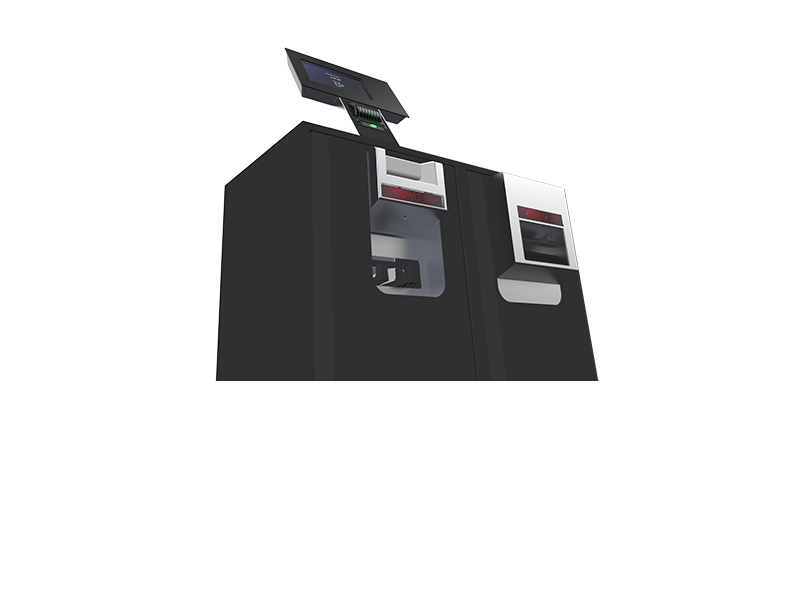
CASHPoint Pay
CASHPoint Pay is the payment system with banknote and coin recyclers in the retained photograph. The provider must confirm this unit’s version and interface. Other manufacturer references require their own validation with ImaCash.