

Cennox Lincsafe with ImaCash: connection and configuration
Configure the ImaCash LincSafe interface with the device’s private address and Auth Token. First confirm the model and service enabled by the provider.
Cennox presents Lincsafe as a range and Lincstation as a terminal. These references remain distinct; manufacturer documentation alone does not demonstrate compatibility with ImaCash.
Lincsafe is a Cennox range, not a single physical model. Selecting LincSafe in ImaCash requires confirmation of the actual device and interface.
Ask the provider for the exact model, firmware, enabled integration interface and private Auth Token. Prepare the connection with no cash operations in progress.
Set up LincSafe in ImaCash
- Open Configuration from the main screen. If prompted, sign in with permission to configure ImaCash. Open Machine and select LincSafe.
- In IP, enter the device’s private address as supplied by the provider, without a protocol, paths or credentials. The service uses HTTP on TCP port 9090. The provider must set it up on the private network. The profile has no separate port field.
- In Auth Token, enter the complete value supplied by the provider. Keep its format without inventing prefixes or using a web portal password. Do not share the token in screenshots or public messages.
- Prepare the EUR profile and confirm that it matches the device. Other currencies appearing in the selector do not demonstrate support across all connector workflows.
- Close with X and choose Save if there are changes. When the profile or connection settings change, ImaCash tries to connect and read the device inventory. Wait for the result. It may skip the attempt if the details match the saved settings.
Confirm functions, banknote and coin modules and interface versions for each model. This guide does not enable general emptying or physically validate payments, refunds or dispensing. It does not extend compatibility to the entire Cennox catalogue.
If it fails, ask your administrator to check the address, token and availability of the service before retrying. After saving, reopen Machine and check the profile and currency. A response from the device does not confirm inventory availability or a cash operation.
Continue editing returns to Configuration. Exit without saving discards pending changes. Changes already saved stay in place.
ImaCash demonstration. The video shows the Spanish interface with captions. The controls are highlighted without connecting, signing in or saving.


Video and steps for setting up LincSafe
- Open Configuration from the main screen as an authorised user.
- Open Machine and select LincSafe.
- IP and Auth Token take the private details supplied by the provider.
- Under Currency, confirm the currency prepared for the device.
- Close with X to see the options when there are changes.
- Save, continue editing or discard the pending changes.
Catalogue references: confirm device and interface
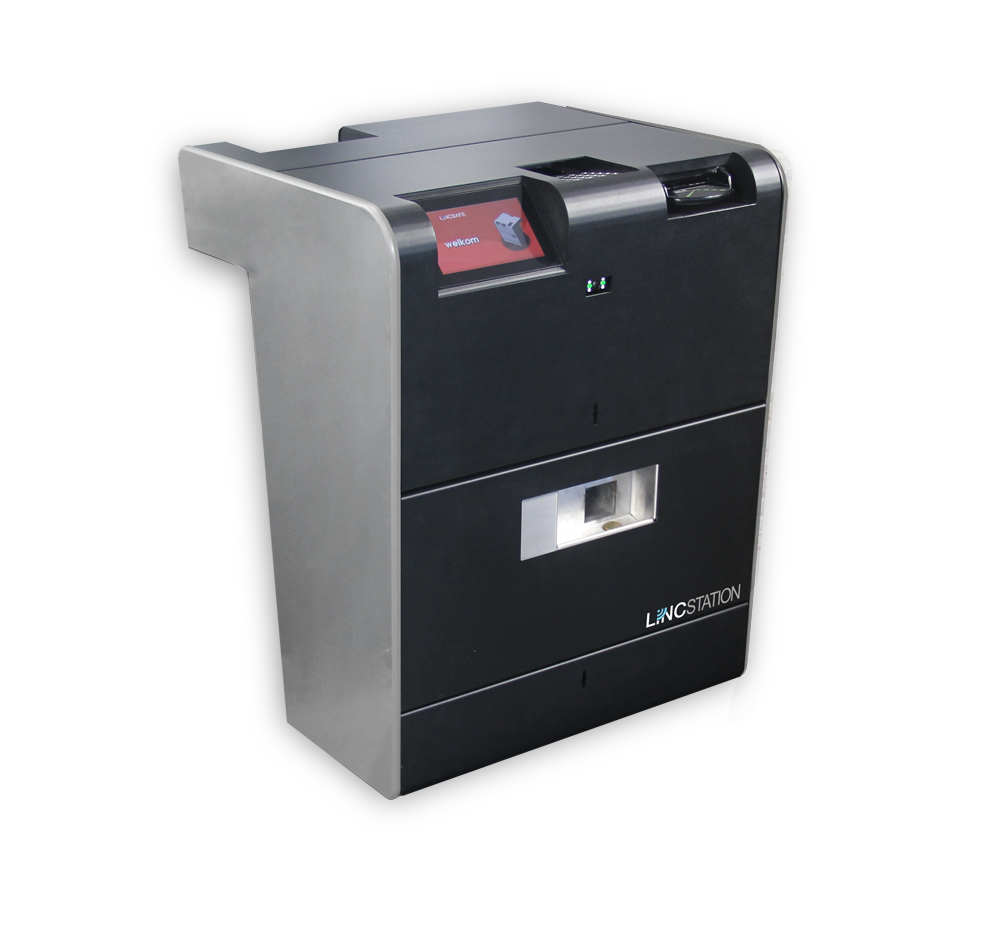
Lincstation
Lincstation is a terminal in the Lincsafe range. The existing photograph shows this reference; it does not certify variants or physical validation with ImaCash.