


CashDro with ImaCash | WS and file exchange setup
ImaCash offers two different machine connections: CashDroWS and CashDroFicheros. Confirm with the installer which interface is prepared on your device before selecting it; instructions for one mode do not replace those for the other.
CashDroWS: HTTPS connection
- In Configuration > Machine, select CashDroWS. The provider must enable the web service on the private network and confirm the interface version and device currency. ImaCash offers EUR and COP for this selection; this does not establish that every model or firmware supports both.
- Fill in IP with the private machine server, Web Name with the service identifier, and User and Password with the private provider credentials. Web Name is neither a TCP port nor a complete URL. Select the version specified for that installation and do not copy factory values.
- Save and check the connection from the computer and Windows account running ImaCash. The machine account needs permission for the intended operations; transferring cash to the cassette also requires the specific authorization described below.
CashDroFicheros: exchange folder
- In Configuration > Machine, select CashDroFicheros and choose the exchange Path prepared by the installer. ImaCash uses the Request and Response folders associated with that path. This selection works in EUR; the Windows user must be able to read, create, modify and remove exchange files.
- The machine and exchange service must use the same folders and have the required permissions. Saving a path does not by itself verify communication. This machine selection is different from the CashDro Ficheros POS integration under Configuration > Integration.
Keep the installed model and confirm the interface, firmware and currency with the provider. Before commercial use, physically validate the payment, change, refund and cancellation supported by that installation. A catalogue listing and a working connection do not prove every function or compatibility with other models.
CashDro: Emptying to a specified float (CashDroWS)
- The device must have CashDro WebService enabled and accessible over HTTPS from the ImaCash PC. To use emptying to a specified float, confirm with the supplier that the model and its firmware support transfers to the cassette.
- The CashDro account must have permission to transfer cash to the cassette, and the ImaCash user must have permission to empty the device.
- For this function, keep the authorized CashDroWS connection under Configuration > Machine and confirm permissions and currency with the provider. Do not switch accounts to bypass permissions or expose the service to the Internet.
CashDro models: confirm the installed interface
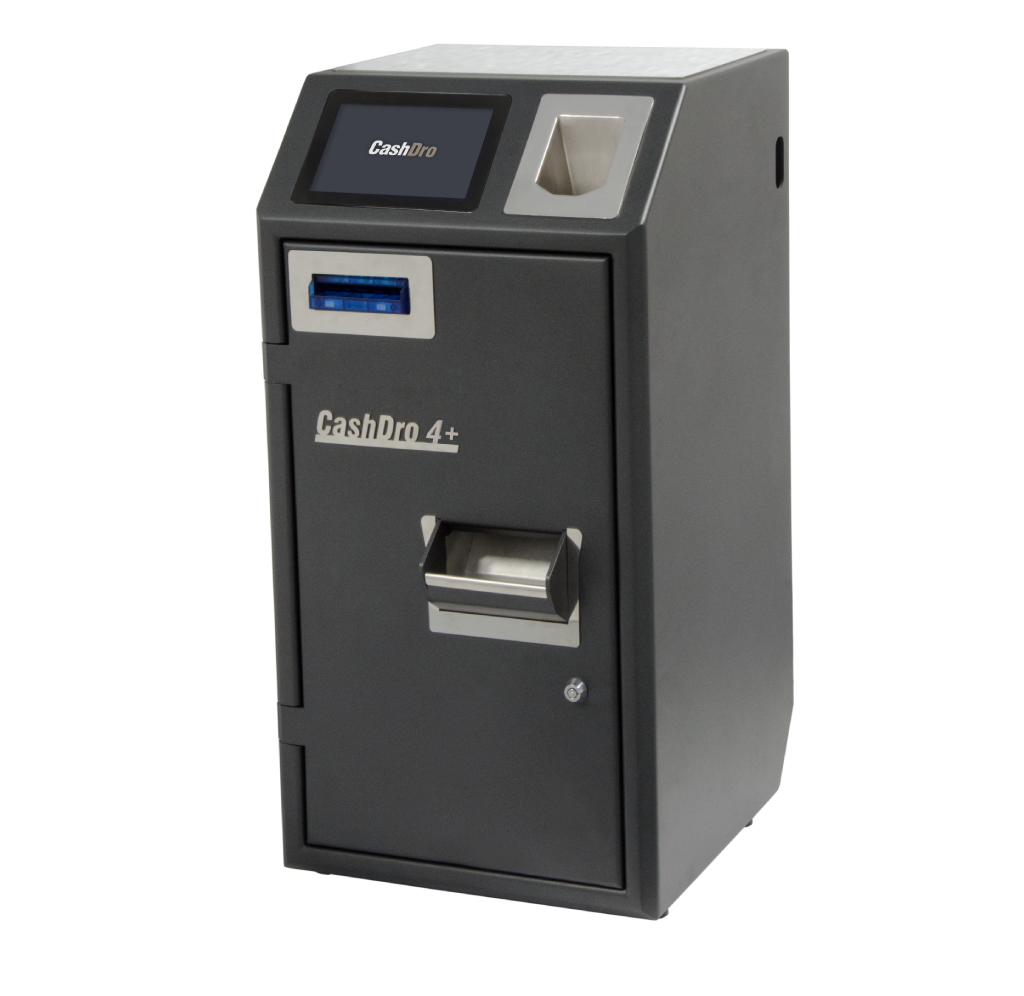
CashDro 4+
Confirm the interface and currency of this device with the provider before choosing CashDroWS or CashDroFicheros. Functions require validation at the specific installation.
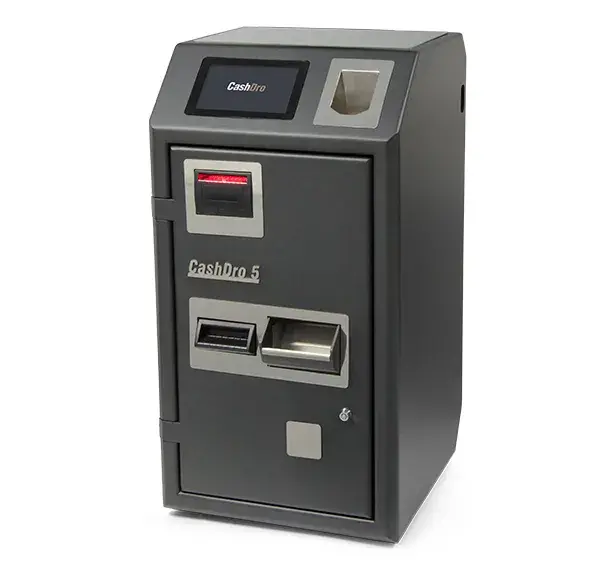
CashDro 5
Confirm the interface and currency of this device with the provider before choosing CashDroWS or CashDroFicheros. Functions require validation at the specific installation.
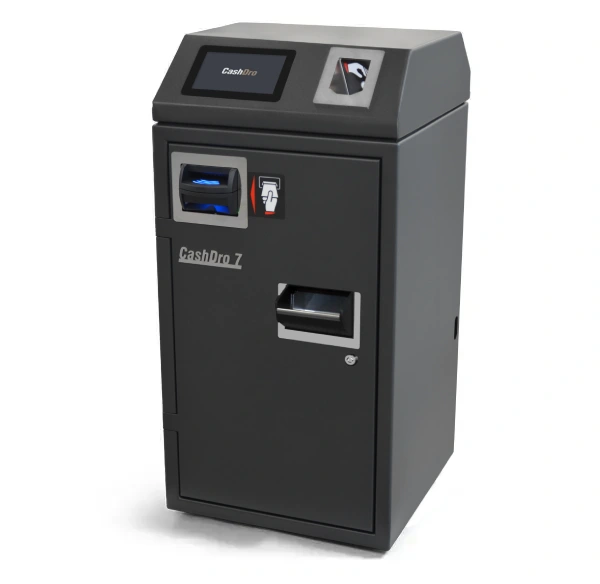
CashDro 7
Confirm the interface and currency of this device with the provider before choosing CashDroWS or CashDroFicheros. Functions require validation at the specific installation.
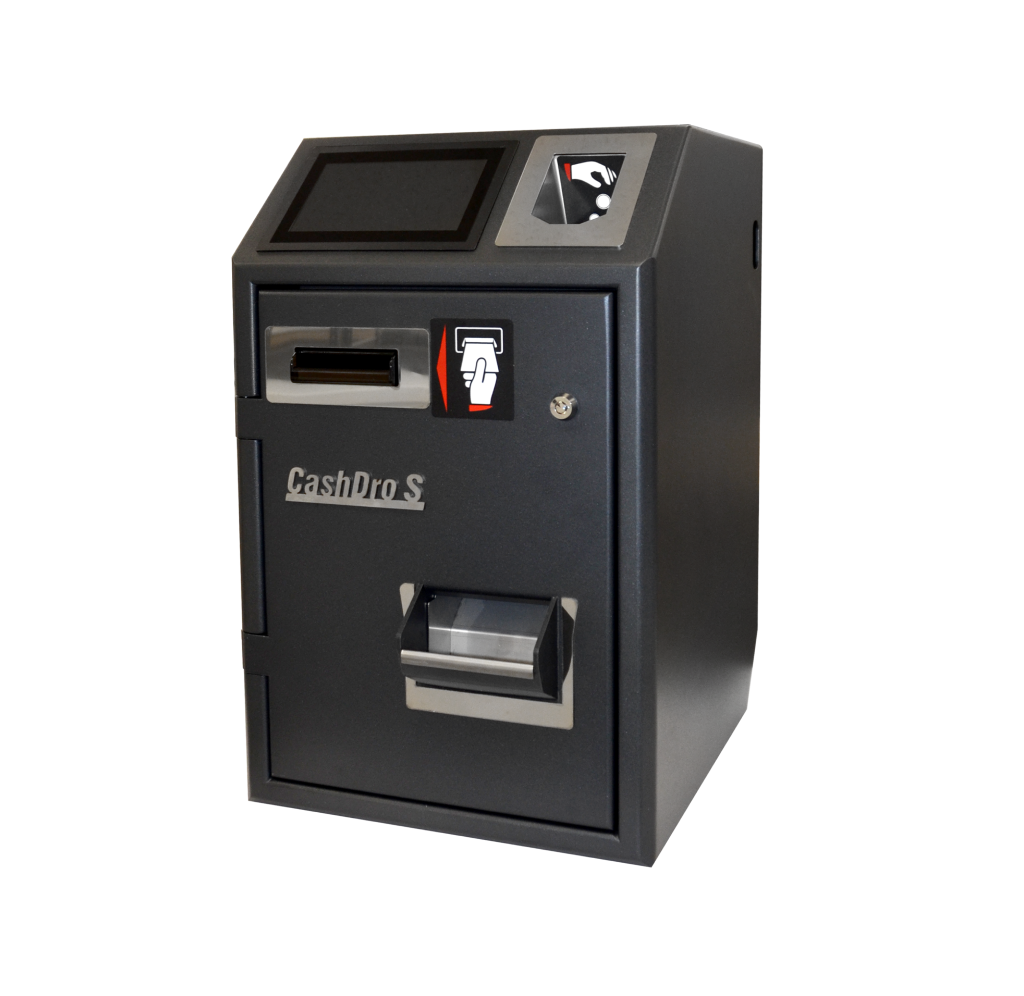
CashDro S
Confirm the interface and currency of this device with the provider before choosing CashDroWS or CashDroFicheros. Functions require validation at the specific installation.