This mode is divided into two configuration steps because it uses a Data Source (DSN) of Windows for communication.
Step A: ODBC Driver Configuration
- DSN Name: Enter the name of the data source configured in the ODBC Manager of Windows.
- Driver: Select the driver (HANA or SQL Server) as appropriate.
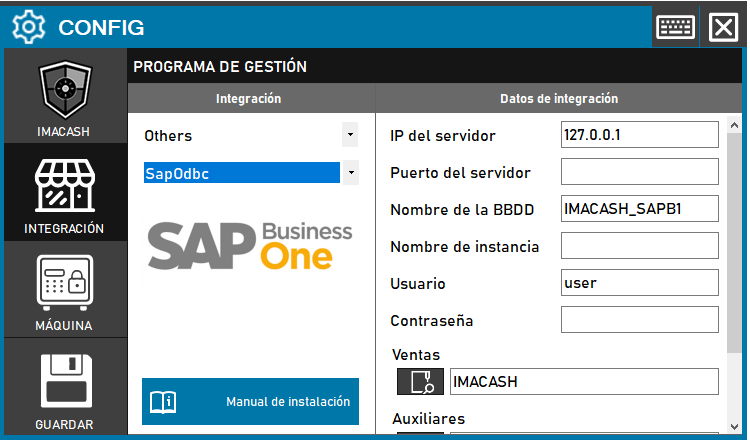
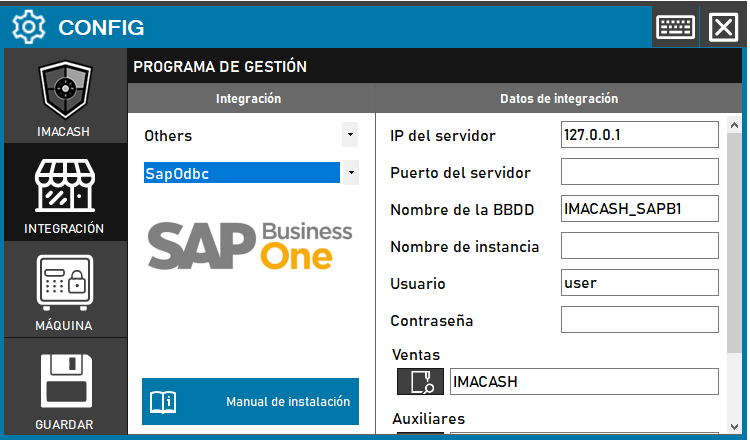
- Access the CONFIG → INTEGRATION menu in the ImaCash interface.
- In the Management software section, select the following values:
- Category: Others.
- Integration: SapOdbc.
In the Integration Data (Step A) section, complete the server information:
- Server IP: Enter the network address (example: 127.0.0.1).
- Server Port: Indicate the communication port if necessary.
- BBDD Name: Specify the company name (example: IMACASH_SAPB1).
- Instance Name: Enter the SQL Server instance if applicable.
- User: name of the user with access permissions (example: user).
- Contraseña: Private information provided by the administrator. Enter it only in ImaCash.
Step B: Data Mapping in ImaCash
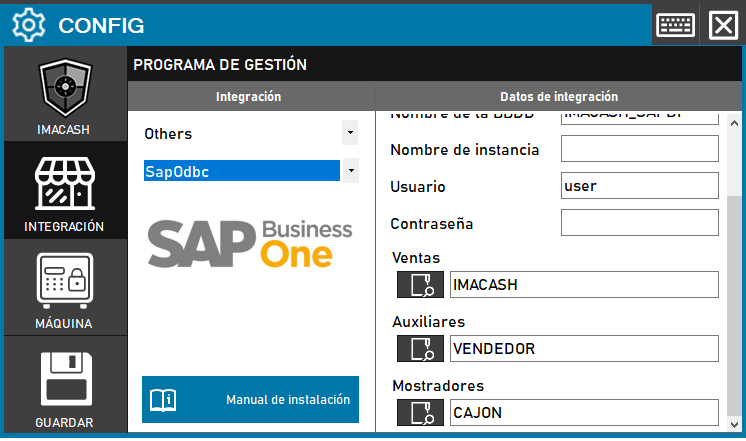
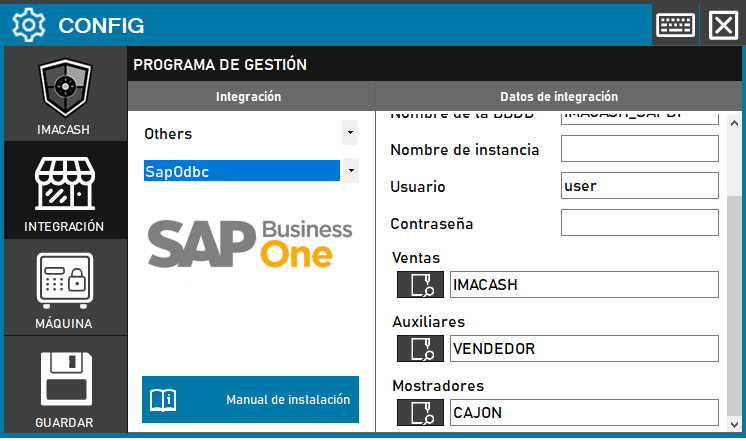
- In the Integration Data section (Step B), define the exchange routes:
- Sales: Select the location for the operations data (example: IMACASH).
- Auxiliary: Select the location for employee data (example: VENDEDOR).
- Counters: Select the location for drawer management (example: CAJON).
- Click the GUARDAR button (floppy disk icon) to confirm all settings.