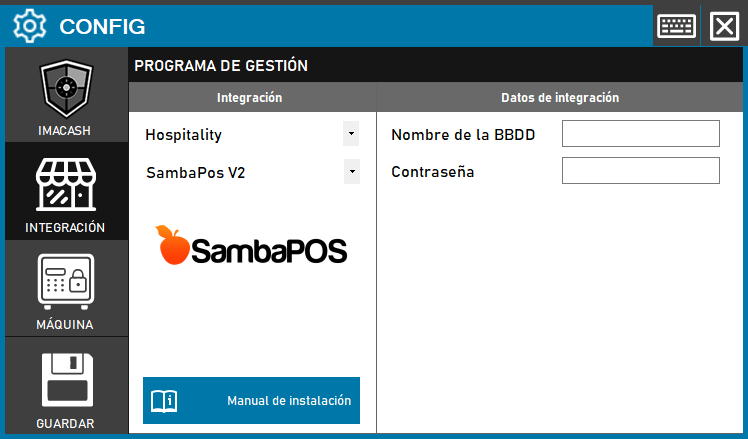
To integrate the SambaPOS Software with ImaCash, the technician must select the corresponding version installed on the client, since each one uses a different communication channel (Files, Database or API) to record sales.
Steps to follow:
- CONFIG → INTEGRATION in ImaCash.
- Management Program:
- Category: Hospitality.
- Integration: SambaPOS V2.
- Integration data:
- Sales: Click the folder icon and select the path where the sales files are saved.
- Save: Click the SAVE button.