


ALICE 4CASH: setup in ImaCash
Before setup, ask your supplier to confirm the model, installed version, connection interface and cash operations available for your installation.
- Open Configuration > Machine and select Alice from the device list.
- IP and Port: enter the server address and port supplied by your administrator or supplier. The ImaCash PC must be able to reach the service through the authorised network.
- Username and Password: enter the private account provided by your supplier, with permissions for the intended operations. Do not use factory credentials or share these details in screenshots.
- Currency: this connection uses EUR. Confirm that the ALICE machine is configured for euros.
- Save the settings and check the connection. Before regular use, arrange a supervised physical test of the operations you intend to use with your supplier.
Configuration scope
Availability depends on the machine, its version and the interface enabled by your supplier. This guide does not establish physical validation or extend compatibility to other models or currencies.
Unconfirmed operations
If a payment, refund or cancellation has no confirmed result, review the operation status and the cash actually dispensed with the person responsible for the installation before continuing. Do not repeat the operation or restart the device to treat it as completed: a restart does not confirm the result.
ALICE 4CASH models compatible with ImaCash
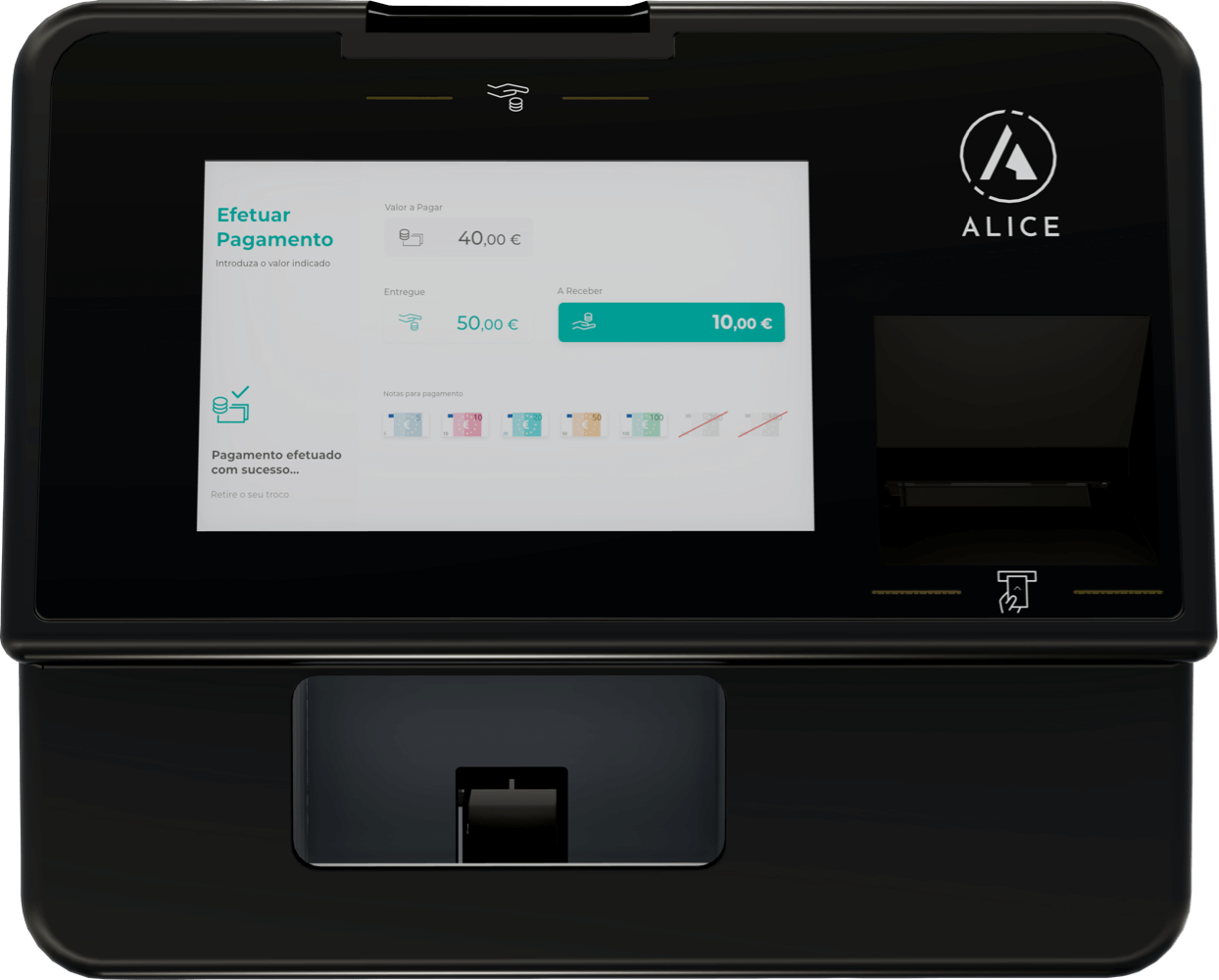
Alice
ALICE by 4CASH connects to ImaCash through the network service configured by your supplier. Confirm the functions available for your machine and installed version.