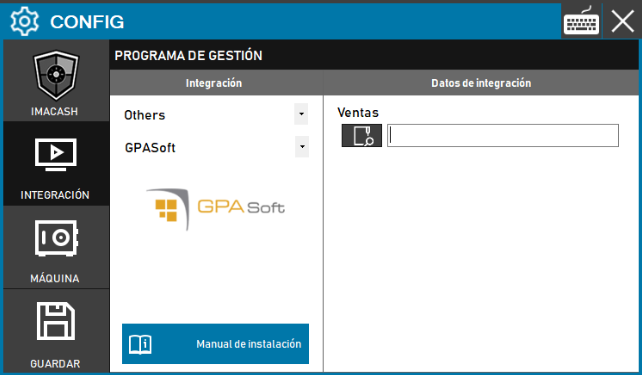
To integrate gsBase Software with ImaCash, the technician must specify the full path of the directory where the gsBase system stores the sales files, since communication is based on file reading. The technician must specify the path where sales are stored.
Steps to follow
- CONFIG > INTEGRATION in ImaCash.
- Management Program:
- Category: Retail
- Integration: gsBase
- Integration data:
- Sales: Click the folder icon and enter or locate the full path of the sales directory.
- Save: Click the SAVE button (floppy disk icon).