
Solution to the TLS 1.2 protocol in Windows 7 and ImaCash
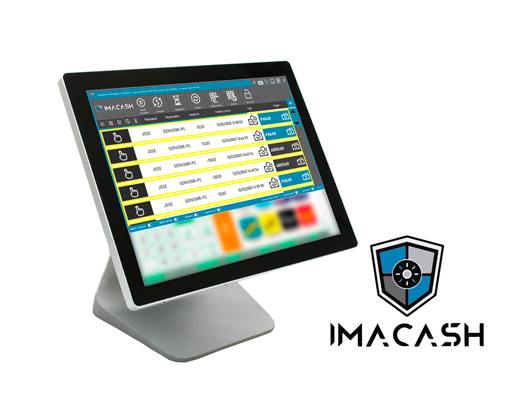
We have been fighting for some time with installations that have Windows 7 and are trying to update to the latest version of ImaCash 4.4.3.1.
The new version already includes the new security system based on the protocols currently required in any data communication with a storage system on a remote server, so there is an obligation on the part of all developers to have these protocols installed on their systems and our application could not be immune to this problem.
We all understand the need to have data on remote servers, remote control tools, data in the cloud... but little is paid to reviewing the minimum requirements to implement these solutions.
As a cash control solution, we could not, in any way, leave this aspect aside and therefore we have had to update our software to the latest required protocols.
This situation has meant that many establishments continue to use operating systems with versions that today, after many hours, we have managed to update these systems and be able to install the latest version of Windows.
The ideal would be for clients to have the latest versions of Windows operating systems (Windows 10 or 11), or use Windows 7 in the worst case but with automatic updates activated.
In many cases we find that, for some reason, many Windows 7 have (due to force majeure) updates disabled, which has prevented the system from updating and adapting to the aforementioned minimums.
After many hours testing updates in the different packages offered by Microsoft, this seems to have solved the problem and updated the operating systems again to the latest correction from Microsoft, which enables the correct functioning of ImaCash.
The most simplified procedure to date is the following.
- Activate automatic updates
- Install the following package from the official Microsoft website https://catalog.update.microsoft.com/Search.aspx?q=3125574
- Once installed, reboot and continue with Windows automatic updates until the system is up to date.